v2.1.0— April 11, 2026
Home Med Cabinet started as a medication tracker for one person. With v2.1 it becomes a tool for a whole household, and adds a reference layer so you can actually understand what each medication does.
Family members
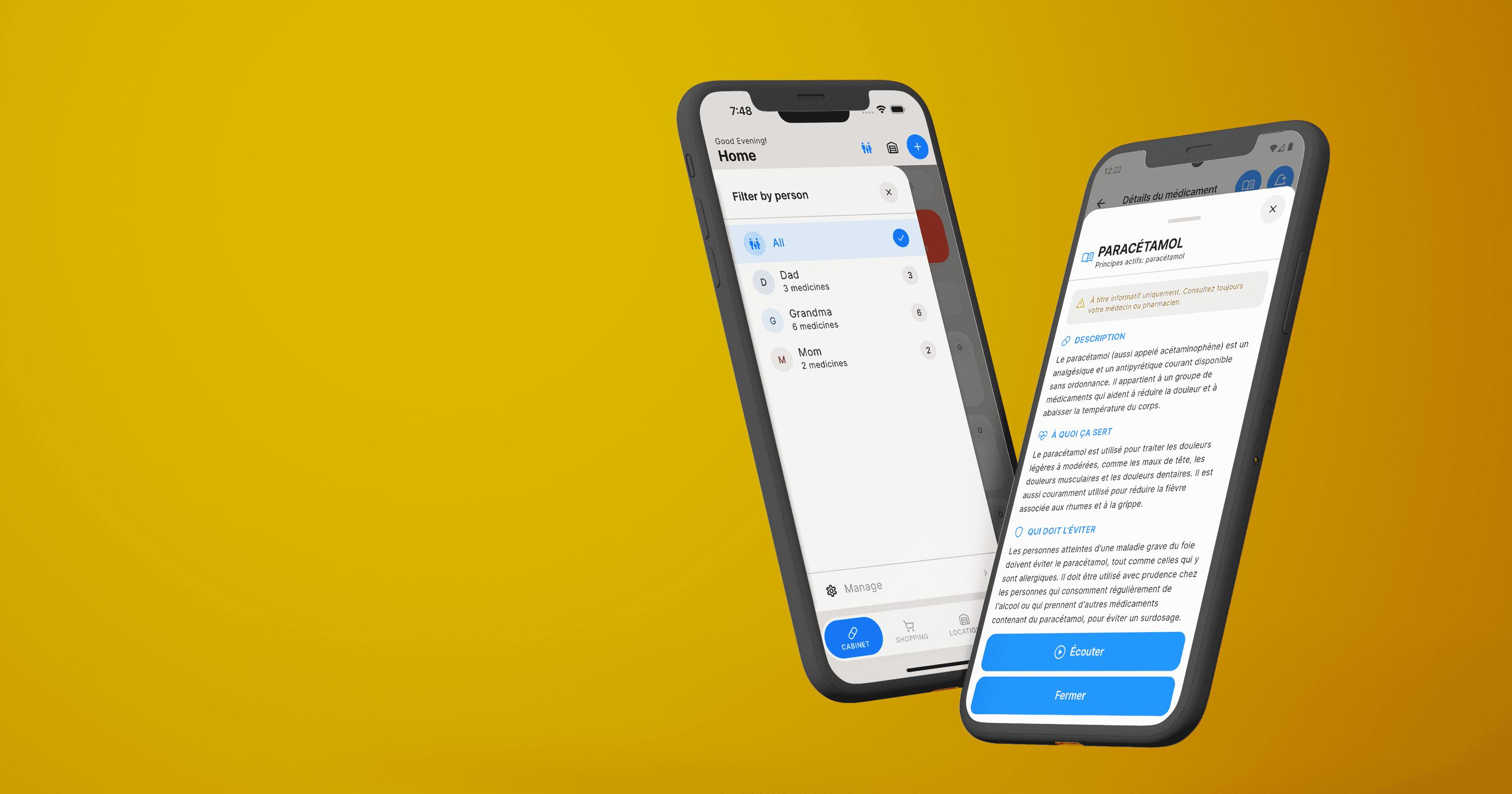
The most-requested feature since launch. You create a profile for each person in the household (Mom, Dad, Grandma, yourself — whoever needs one) and assign medications to them.
So your mom's blood pressure meds, your dad's cholesterol meds, and your allergy pills stop blending into one long list. Each person gets their own view.
On the home screen, a new family filter switches between members with a tap. See everyone at once, or focus on one person.
Adding a person takes about thirty seconds — just a name. The app generates an initial-based icon automatically.
Medicine Wiki
Every medication now links to a built-in Wiki page with plain-language information about what the medicine does, common side effects, how to store it, and the warnings worth knowing.
This isn't the wall of jargon you get from a prescription insert. We rewrote everything in the same readable, calm style as the rest of the app: large type, short sentences, clear sections.
Audio playback (Premium). If reading is hard (tired eyes, screen fatigue, or you just prefer listening), Premium subscribers can play the Wiki article out loud.
Location filters
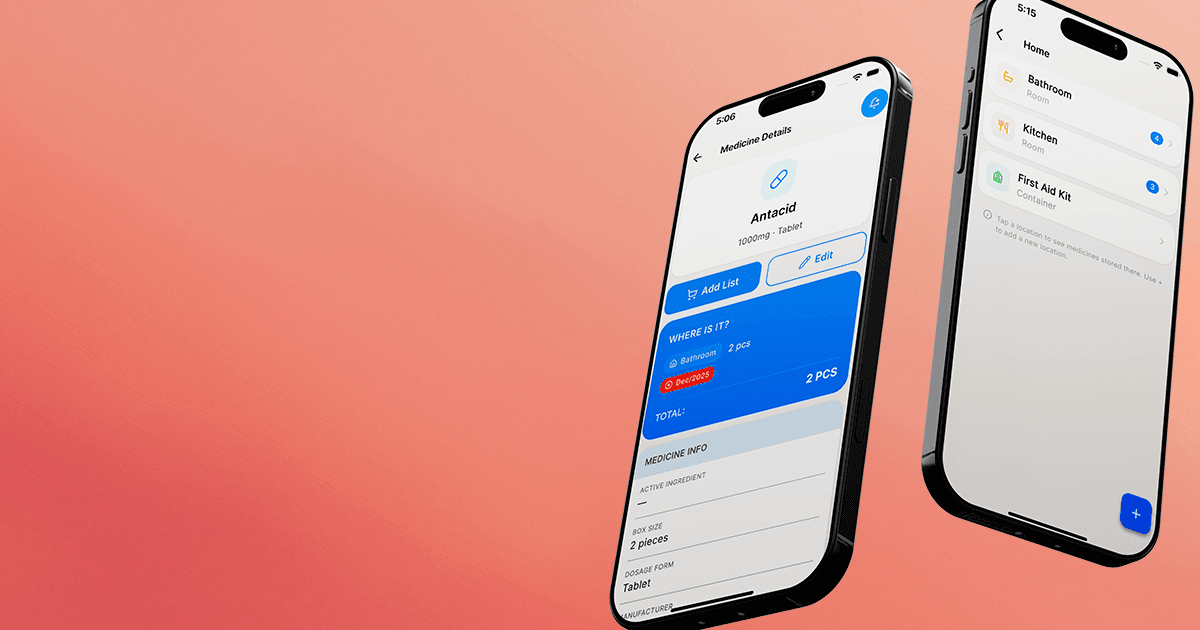
You can now filter medications by location — bathroom, kitchen, bedside, travel bag — in addition to filtering by person.
Tap the location filter on the home screen to see only the medications stored in that spot. Useful when you're standing at the cabinet and need to check what's in it.
Android — in testing
The single biggest request since launch: Android is coming.
Home Med Cabinet is in testing on Google Play right now. Big buttons, clear text, scanner, four languages — everything works the way it does on iOS. We're running the last round of quality checks before it ships.
The Google Play launch date is coming soon. If you've been waiting to recommend the app to someone on Android, it's close.
Everything else in v2.1
- AddedFamily member profiles. Create a member, assign medications, filter the home screen by person.
- AddedMedicine Wiki. Plain-language notes for every medication, in readable sections.
- AddedAudio playback for Wiki articles (Premium). Listen instead of reading.
- AddedLocation filters on the home screen.
- ImprovedHome screen filters by family member and location at the same time.
- ImprovedSearch now covers family member names and locations.
- ImprovedOnboarding walks you through adding a family member.
- FixedCamera scanner handles low-light conditions more reliably.
- FixedReminder notifications respect Do Not Disturb properly.
What's next
Final testing on Google Play is underway; a launch date announcement is close.
We're also working on medication history — a timeline of doses taken, useful for doctor visits — and family cloud sync: one shared medicine cabinet across three phones, so mom, dad, and you see the same data without anyone re-entering it.
More languages are being evaluated too, based on what users are asking for.
Questions or feedback? support@vibe-solutions.ai, or the in-app support link.
Update to Home Med Cabinet v2.1
Available now on the App Store. Android coming soon to Google Play.