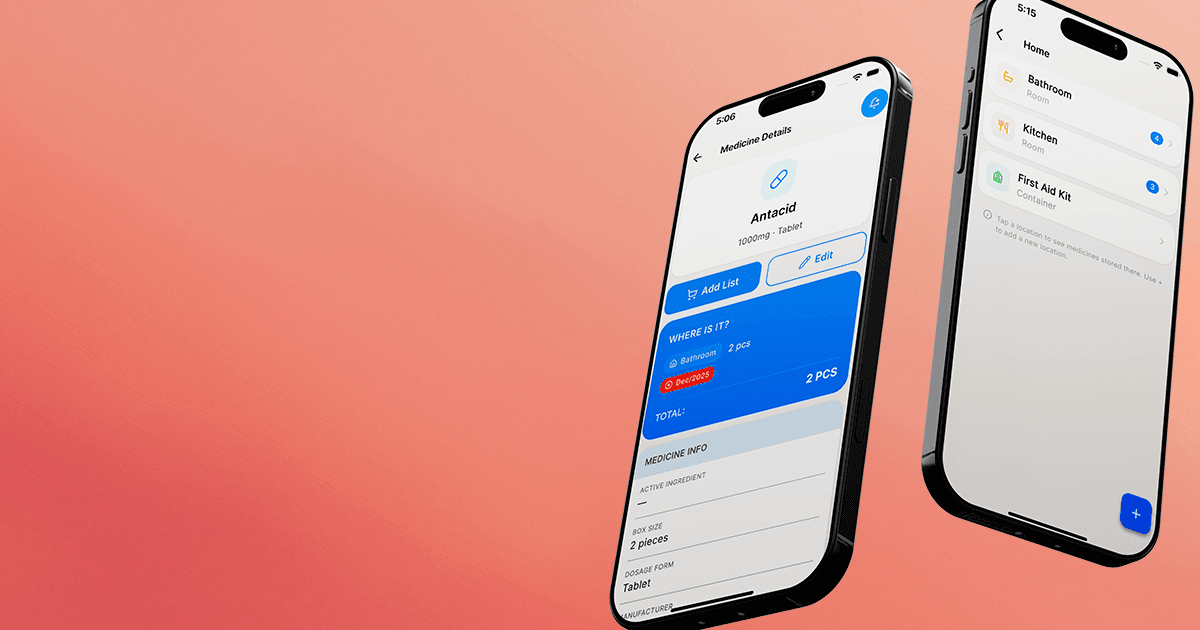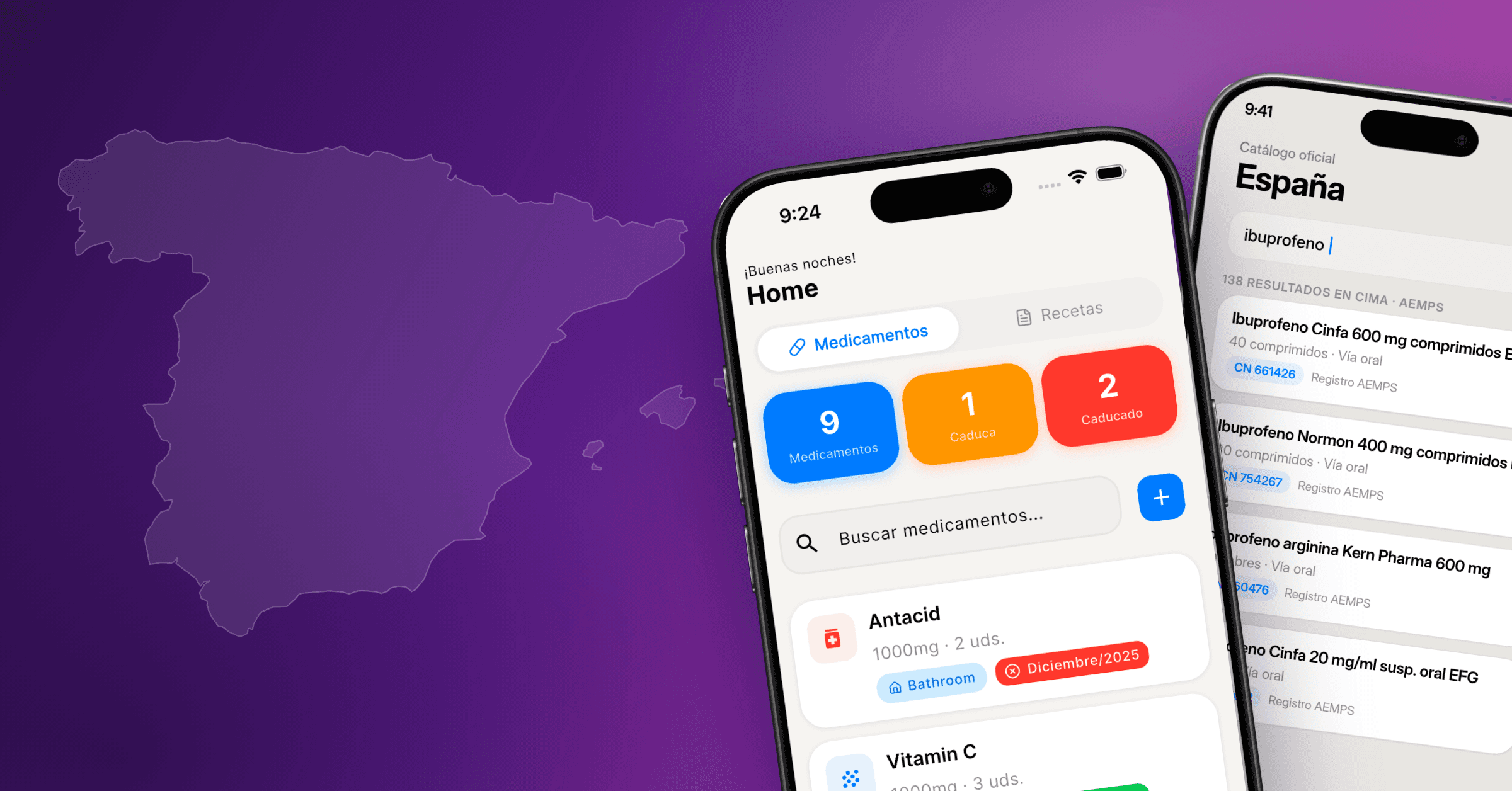
One person's medications are manageable. Managing them for a whole household is real work: different schedules, different dosages, and one or two people who forget easily. Home Med Cabinet is built for that situation.
This guide walks through setting up the app, with notes for households where you're tracking more than one person.
Step 1. Add your medications
When you first open Home Med Cabinet, you land on an empty medication list. Tap the + button to add one.
You enter the medication name, dosage, and any notes. This is your private record; nothing is uploaded or synced to a server. It all stays on the device.
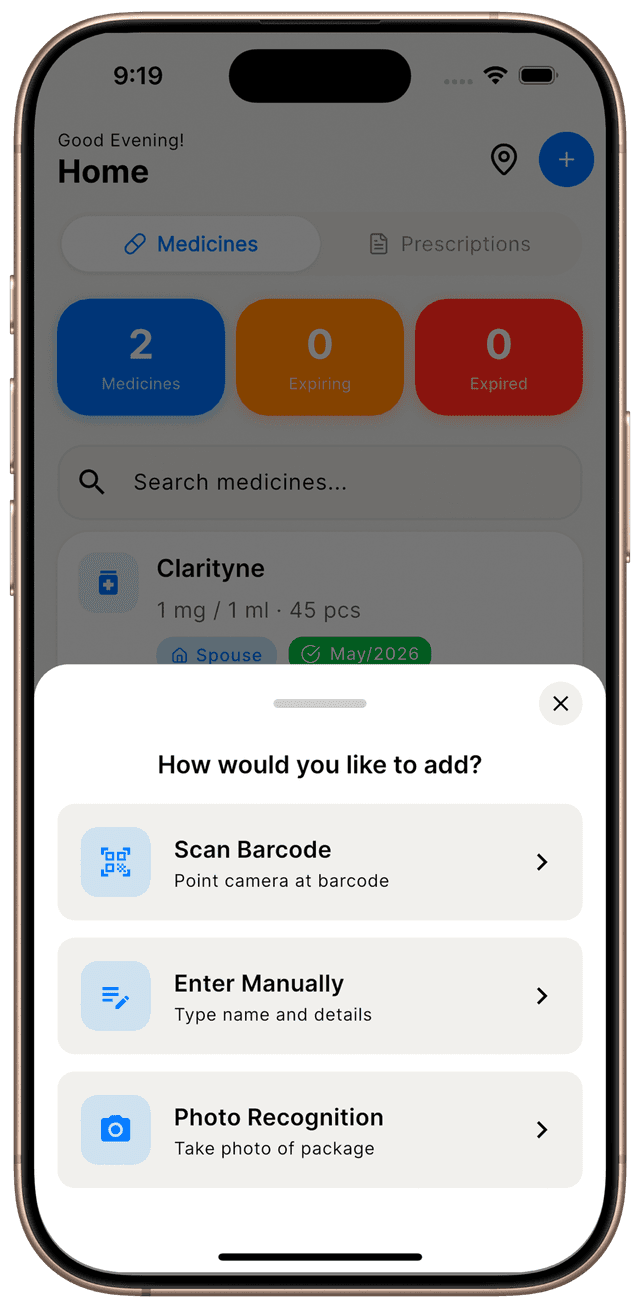
Add the rest of your current medications the same way, including vitamins and supplements. Anything you take on a schedule is worth a reminder.
Step 2. Set up reminders
Once a medication is in the list, you can attach one or more reminder times to it.
Smart Reminders
Set custom reminder times for each medication. Reminders fire even when the app is closed; your phone handles it in the background.
Try it →Each medication has its own schedule. Morning, evening, twice-daily — each one is handled independently. Notes on the medication can remind you to take it with food, at a specific time relative to another med, or whatever else matters for that one.
Step 3. Track for family members
Home Med Cabinet lets you keep separate records for each person in the household. If you're managing a parent's, a child's, or a spouse's medications, their information stays organized.
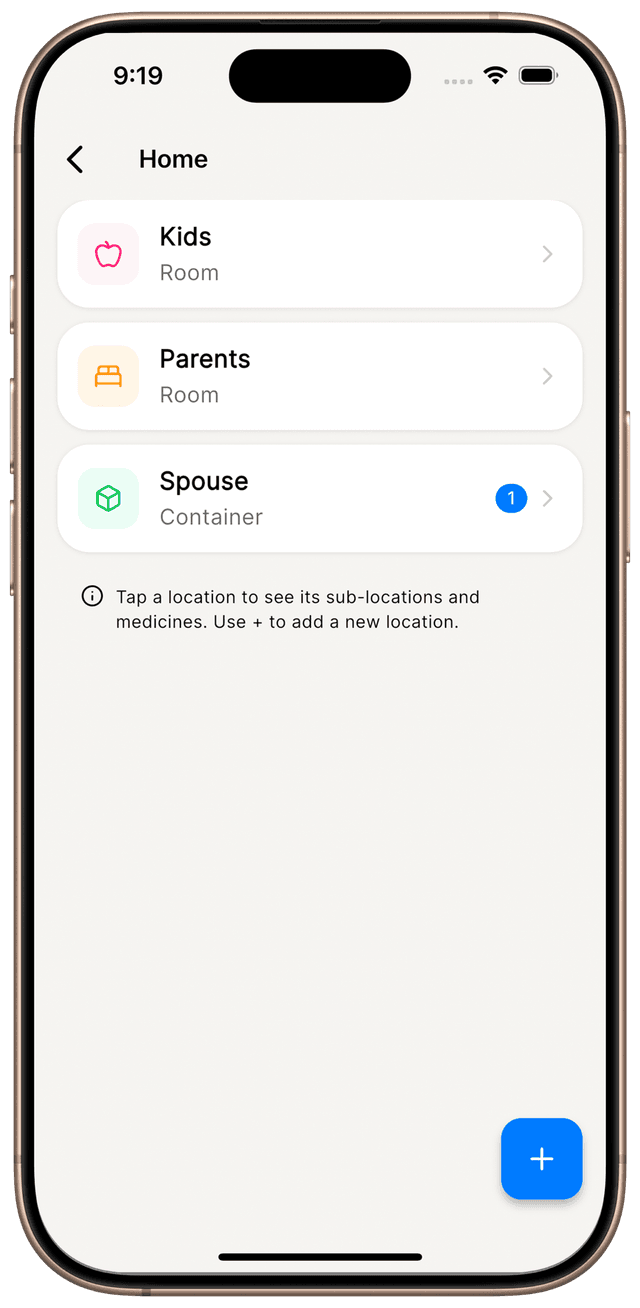
This is especially useful if you're a caregiver. Doses, schedules, notes, and refill info sit in one place instead of in your head.
Tips for grandparents
We designed Home Med Cabinet for older adults as much as for anyone else. A few things that tend to help:
- Large system text. The app respects iOS accessibility font size. Set it once in iOS Settings, and the app follows along.
- Simple navigation. Tap a medication to see its details. No nested menus, no confusing gestures.
- No passwords. There's no account to forget. You open the app and it's ready.
- Clear layout. One list, one add button, minimal visual clutter.
If you're setting it up for a parent or grandparent, doing the initial entry together takes about five minutes. They get a phone that already has their own medications in it.
Ready to start?
Home Med Cabinet takes a couple of minutes to set up, no account required. Your medications stay on your device.
Try Home Med Cabinet
Your personal medication manager